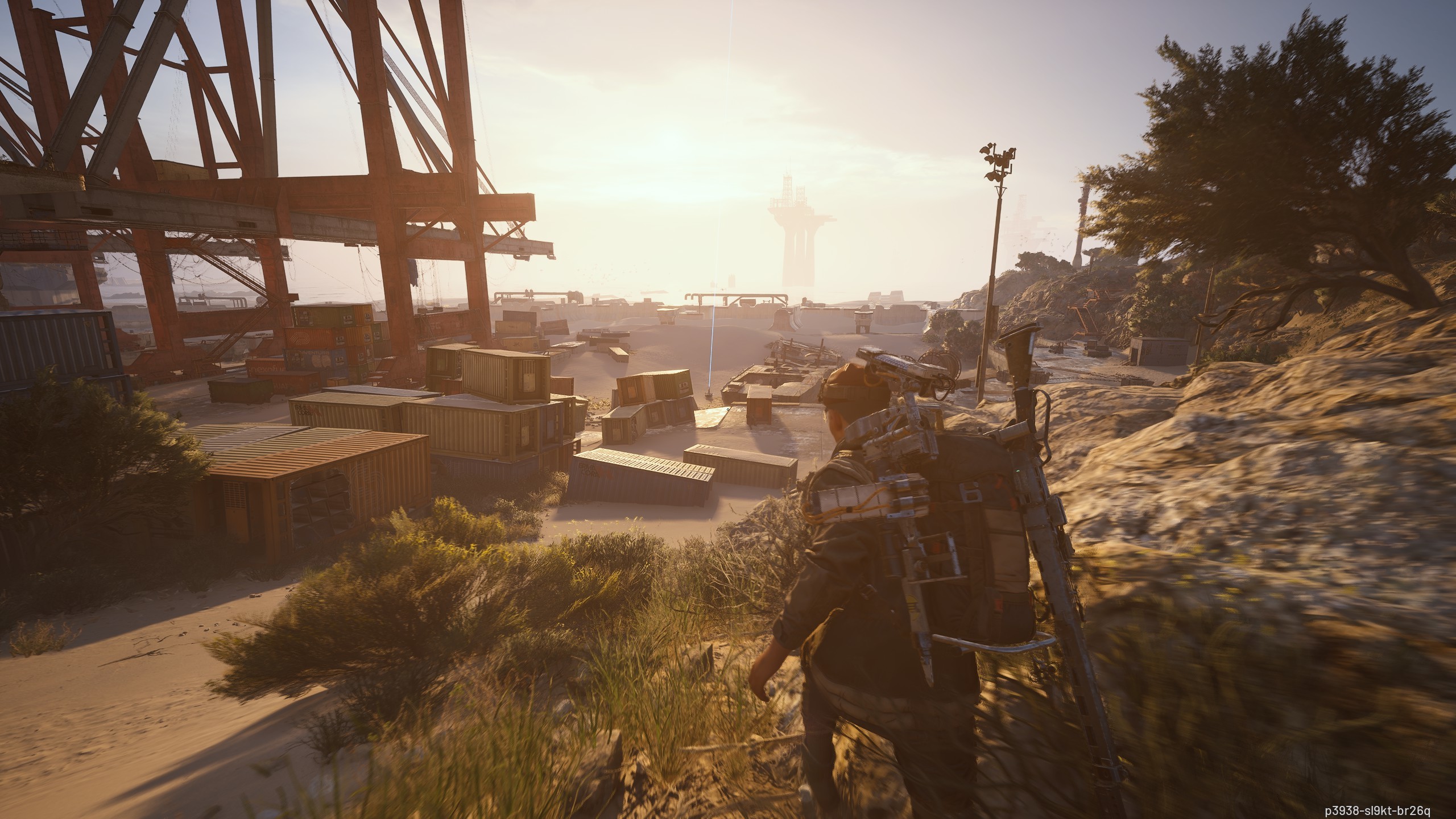
In the realm of extraction shooters, optimizing your Field of View (FOV) is crucial for enhancing gameplay experience and performance. FOV affects how much of the game world you can see at any given time, influencing situational awareness and target acquisition. A well-adjusted FOV can help you spot enemies before they spot you, leading to better decision-making and improved survival rates. However, there is a fine balance to strike; too wide of a FOV can distort visuals and create a fish-eye effect, while too narrow can limit your peripheral awareness. This guide delves into the intricacies of FOV adjustments, helping you find the sweet spot tailored to your playstyle.
Understanding FOV and Its Impact on Gameplay
Field of View is typically defined as the extent of the observable game world that can be seen at any moment. In extraction shooters, a wider FOV allows players to have a broader perspective on their surroundings, which is essential for spotting potential threats or loot opportunities. However, different players may have varying preferences and comfort levels regarding FOV settings. It’s important to consider factors such as screen size, resolution, and personal playstyle when adjusting your FOV. Additionally, a wider FOV can sometimes lead to increased motion sickness for some players, making it necessary to find a balance that enhances your gameplay without compromising comfort.
Recommended FOV Settings for Various Scenarios
While there is no one-size-fits-all FOV setting, certain benchmarks can help you determine the best configuration for your playstyle. Below is a table outlining recommended FOV settings based on different scenarios and player types:
| Scenario | Recommended FOV | Notes |
|---|---|---|
| Casual Play | 75-90 | Ideal for relaxed gameplay without excessive distortion. |
| Competitive Play | 90-110 | Wider view for better situational awareness, but can be disorienting. |
| Sniping/Long-Range | 70-80 | Narrower FOV to focus on distant targets with reduced peripheral distractions. |
| High Motion Gameplay | 100-110 | Wider FOV helps track fast-moving enemies. |
Adjusting FOV In-Game: Step-by-Step Guide
Adjusting your FOV in-game typically involves accessing the settings menu and navigating to the graphics or gameplay options. Here’s a step-by-step guide to help you make the necessary adjustments:
- Open the game’s main menu and navigate to ‘Settings.’
- Locate the ‘Graphics’ or ‘Gameplay’ tab.
- Find the FOV slider and adjust it to your desired level, starting with the recommended settings.
- Test the new setting in a safe environment to gauge comfort and performance.
- Make incremental adjustments as needed, returning to the settings menu to refine your choice.
- Save and exit the settings menu to apply the changes.
Finding the Perfect FOV Balance
Finding the perfect FOV balance requires a combination of personal preference and gameplay testing. Start with the recommended settings and play a few matches to assess comfort levels. Pay attention to how quickly you can react to threats and whether you experience any discomfort during gameplay. It’s also beneficial to experiment with different FOV settings in various scenarios, such as intense firefights or stealth missions. Record your performance metrics, such as kill-to-death ratios and overall engagement success, to see correlations between your FOV settings and gameplay effectiveness.
Common FOV Myths and Misconceptions
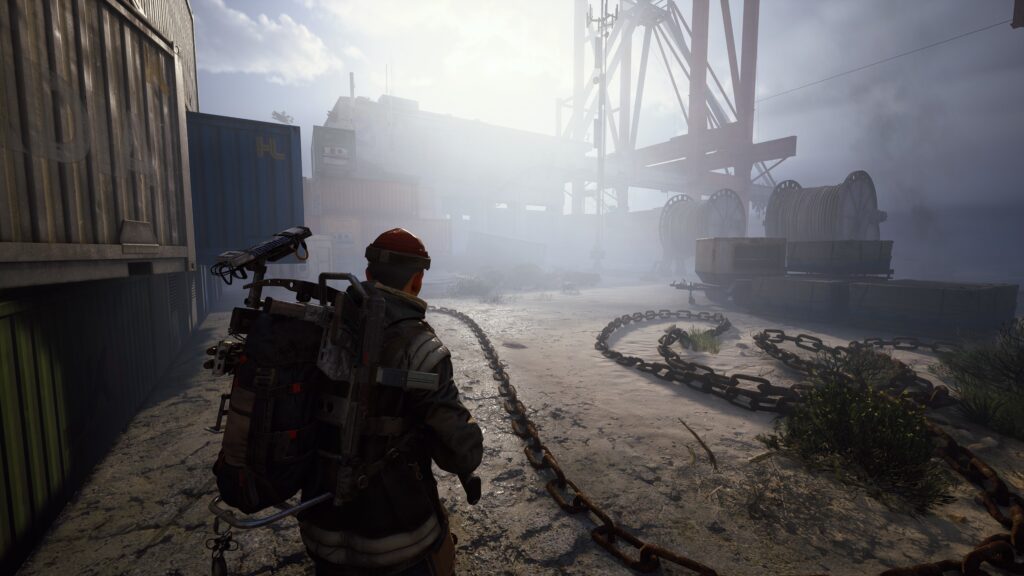
Many players harbor misconceptions about FOV settings that can lead to poor adjustments. One common myth is that higher FOV always equals better visibility, which is not necessarily true, as distortion can occur at extreme settings. Additionally, some players believe that FOV affects hitbox sizes, but this is not the case; hitboxes remain constant regardless of FOV adjustments. Understanding these myths can help players make more informed decisions when configuring their settings, leading to improved performance and a better overall gaming experience.

Leave a Reply